Browser fan game
How to play PokeSurvivor in the browser
PokeSurvivor is a free fan game you open in a browser. You move a partner across a field while its selected move attacks on its own, collect experience, and try to last as wild creatures close in. Play it at pokesurvivor.com. It is not an official Pokémon product.
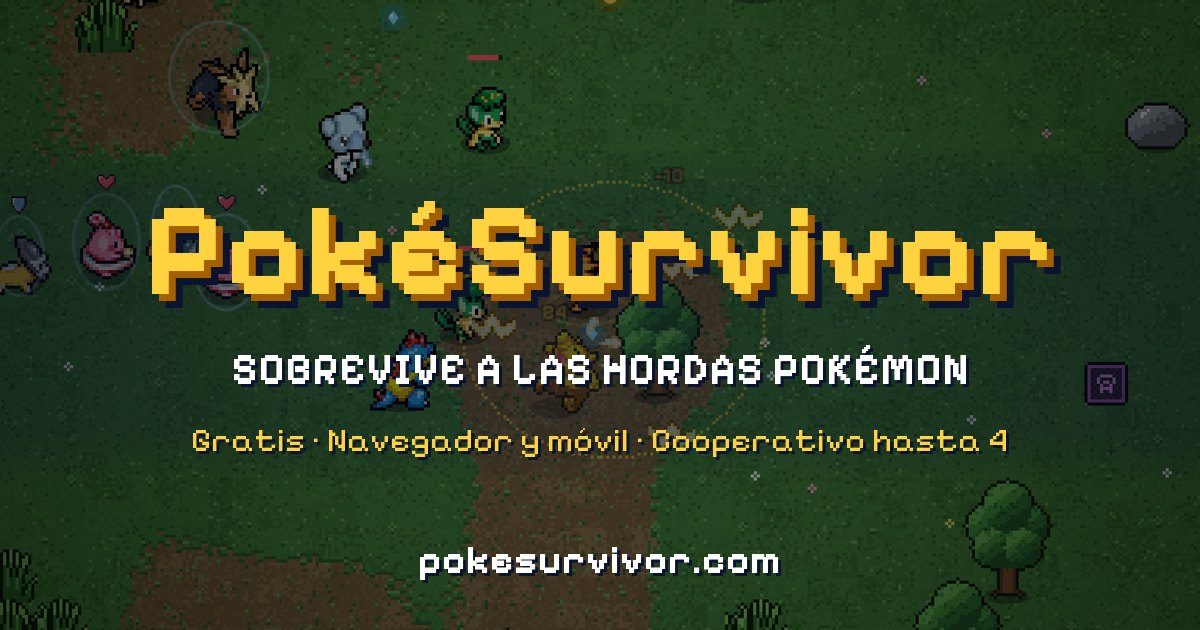
The live game describes itself as a survivor-style run: one partner, an open map, and hordes that try to surround you. The English guide on the game site says you pick a partner, roam, and let moves fire while you dodge. A published itch page for the same game adds that you only move, and that the partner attacks automatically.
What a session looks like
The play page is a canvas game and tells visitors, in both Spanish and English strings shipped with it, that JavaScript has to be enabled. The screen flow in the page file is a login, then a first-time personality test, then the main menu.
- Open the site and enter with a name and password, with Google, or as a guest. Guest play starts immediately. The game’s own FAQ says guest progress is not saved.
- On a first visit the game shows a personality test and suggests a partner. The design document in the game’s repository describes eight questions and a trait that points at one of 29 starters. You can reject the suggestion and pick another starter. The wording of those questions is not printed on the public English guide.
- The main menu, visible in the itch screenshot on the partners page, has rows for play, the collection, permanent upgrades, a regional gacha, missions, friends, a ranking, and settings.
- Play drops you into a field. An early-run screenshot shows the label BOSQUE UMBRÍO, which the game’s English text calls Shady Forest, with a timer already counting.
Defeated creatures drop experience. Each level offers a choice of rewards. The English guide says the choice is one of three cards: a new move, an upgrade to a move you already have, or a boost for your partner. The level-up screen in the page file shows keys 1 2 3 for that choice. A reroll key, R, is on that same screen when a reroll is available.
Controls
There is no attack button. The partner uses whichever move is selected. The game’s English guide and the itch page agree on the two control schemes.
| Action | Keyboard | Phone or tablet |
|---|---|---|
| Move | W A S D or the arrow keys | Drag a finger. The game says the stick appears where you touch. Hold the device in landscape. |
| Switch the active move | 1 through 4, Q or E, or click the icon | Tap a move icon |
| Pause | Esc. The repository README also lists P. | The button in the top corner |
The shipped page includes a rotate prompt: if the phone is vertical, it asks you to turn it sideways. The itch page says the game works on PC and mobile, and the FAQ says you can use the browser’s “Add to Home Screen” option if you want an icon.
The public pages do not name a minimum browser version, operating system, or screen size beyond a modern browser with JavaScript, keyboard or touch, and landscape on a phone. That minimum is not stated anywhere this guide could quote.
What you are building during a run
You can hold more than one move, but the English materials and the move page are explicit that only the active move fires. A later bond, described on the moves page, is the exception: bonded moves launch together and share one slot. Empty slots in an early Psyduck screenshot match a fresh run that has not bought the permanent upgrade which starts you with two moves.
Between runs, coins buy permanent upgrades that belong to one partner and apply only while you play as that partner. Tickets, which the game says cannot be bought with real money, are spent on a gacha with one banner per region. Both systems are written up under partners. Field events, weather, bosses, and the 18 rift arenas are under runs.
Where to play, and what the download changes
The itch page, published with a release line of 11/10/2026, tells players to use the website for the full game. It also offers a download: unzip it and open index.html. That offline copy is solo only and saves in the browser. Co-op, cloud saves, and leaderboards are the online game.
The same itch page says the project is free and non-profit, that a voluntary donation does not sell power, and that Pokémon sprites are not generated by the AI assistant used for code, original music, and some interface icons. The game’s FAQ says a donation, if you choose to give one, pays for servers and gives no gameplay advantage.
A different project uses a similar name
The repository giovanneluna/poke-survivors is a separate open-source fan game. Its README titles it Poké World Survivors. package.json names it poke-survivors, version 0.1.0, and lists Phaser 3.90, TypeScript 5.7, Vite 6.3, and Tauri 2. That README describes three starters (Charmander, Squirtle, and Bulbasaur), 77 attacks, eight phases, and a local dev server, not the site at pokesurvivor.com.
The browser game people actually open is the canvas project whose itch page links github.com/JPTER78/pokesurvivor. Its public roster is 966 partners, not three. Guides that mix the two will describe the wrong number of starters, moves, and stages. This site keeps them apart. The eight-phase structure is only the Phaser project, and it is summarized again on the runs page.
Language, price, and what this game is not
The FAQ says the game follows the browser language for English or Spanish, and that Settings can change it. Screenshots on this guide were published in Spanish; the English names used in the articles are the game’s own English strings.
It is free. The FAQ says there are no ads and no purchases inside the game. The project also states, on its repository README and in a notice string in the client, that it has no official cryptocurrency, token, or NFT, and that any token using the name was created by someone else.
Read the FAQ for saves, phones, and co-op, or the tips for the five habits the game’s own guide prints. Where a number comes from is collected on the sources page, not repeated as a bibliography here.